Lab-2-7
(2.5% of the course mark)
React Website Evaluation Lab
- A hands-on lab exploring methods and criteria for systematically assessing website usability, accessibility, and design effectiveness.
Lab objectives
-
Identify accessibility barriers using automated tools and manual inspection.
-
Analyze website structure, navigation, and information architecture.
-
Document and communicate evaluation findings in a structured report.
Website analysis
-
Navigate to https://www.art.yale.edu.
-
Evaluate the website based on the following criterias:
-
Background images
-
Colors
-
Fonts
-
Layouts
-
Navigation menus
-
Any other criteria that you can think of
-
Based on the website evaluation, what recommendations do you have for each criterion? Document your recommendations, as they will be used to create a report.
-
Create a React app named react-web-evaluation-app. This app should contain the findings that you documented for the website evaluation. Feel free to incorporate the concepts you have learned so far in this class (CSS frameworks, components, JSX, maps, props, etc.).
-
Navigate to https://wave.webaim.org and in the Web page address input box, enter https://www.art.yale.edu and click on the arrow icon. Take a screenshot of the result and save it as wave.png.
Submission
- Create a folder named submit.
Delete the node_modules folder on any app that you are submitting.
-
Copy the react-web-evaluation-app and all the screenshots (wave.png) to the submit folder.
-
Create a zip file of the submit folder.
-
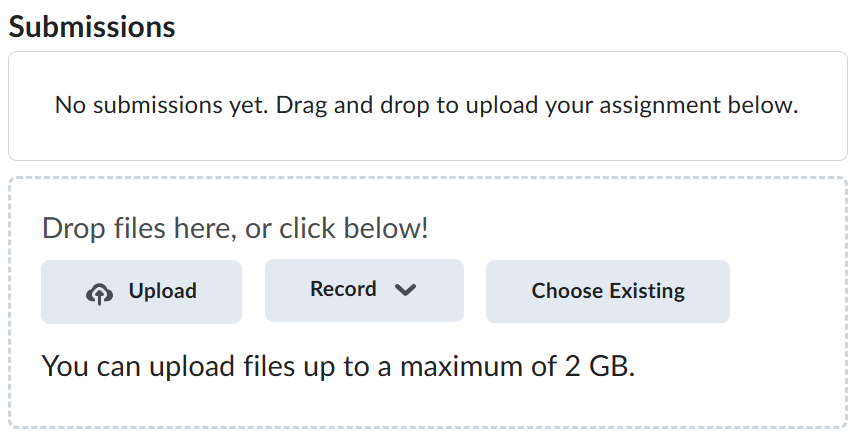
Navigate back to where the lab was originally downloaded, there should be a Submissions section (see below) where the zip file can be uploaded.